How the IPMI Library Works · A member guide

Fifty years of knowledge, searchable in seconds.

A walkthrough of the members-only intelligence platform — how to sign in, ask the AI, browse the library, find each other, and shape what gets added next.

Already an IPMI member? Sign in with your email — no password needed. Not yet a member? See how to join →

Try it now →

236+Documents Today
536+Members
336+Companies
2,000+Documents Coming
The full archive — searchable in seconds
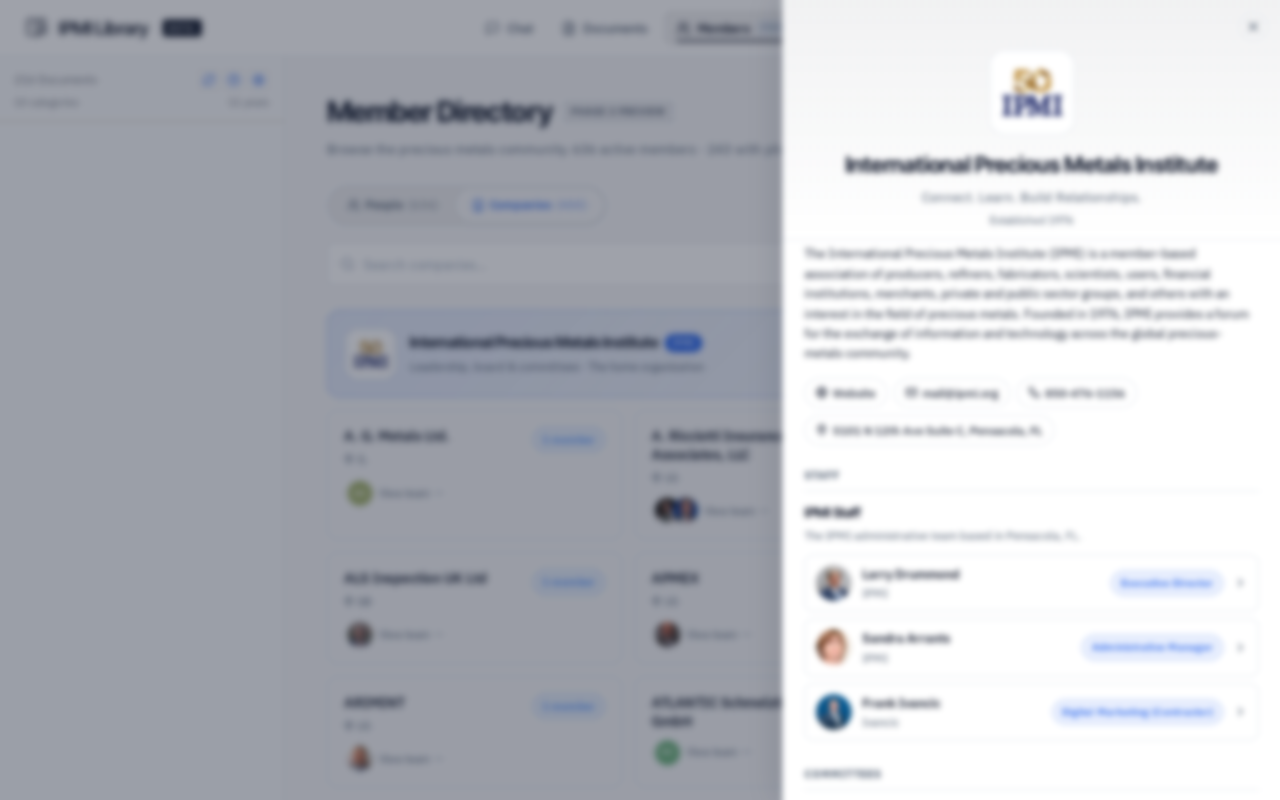
AI Chat assistant Document library Member directory Companies directory IPMI organization chart
Phase I · Beta

You're looking at the first public release of the IPMI Library. The full 50-year archive is still loading — the document count will grow past 2,000, the directory will expand to every active member, and major new capabilities are landing each month. Your feedback shapes what comes next.

01 Easy Sign In

One link. You're in.

Magic-link email sign-in tied to your IPMI member email. No passwords to remember, no friction at the door.

Try it now →

Members-only by design

Access is tied to your verified IPMI member email. Only registered members reach the library.

One-tap sign-in

Enter your email, receive a sign-in link, click once. No password reset loops, no forgotten credentials.

Access password fallback

For demos and testing, a shared access password keeps the door open without affecting member accounts.

AI disclaimer surfaced upfront

You're reminded that results are AI-generated and should be verified — before you ever ask a question.

ai.ipmi.org
Sign in screen
02 Document Intelligence

Ask the library anything.

Conversational access to fifty years of conference papers, white papers, presentations, and industry analysis — with every answer traceable back to its source.

Chat · IPMI Document Intelligence
Chat welcome screen
i

Hot Picks & Trending Topics

The welcome screen surfaces what the community is reading right now. Rotating selections drawn from real activity.

ii

Quick-start prompts

Five curated entry points — Clean Energy, Nanoparticle Research, Financing, Industry Trends, Find a Member — get you from blank slate to insight in one click.

iii

Cited answers

Every response includes numbered footnotes linking directly to the source documents. No black-box guesses — open, traceable, verifiable.

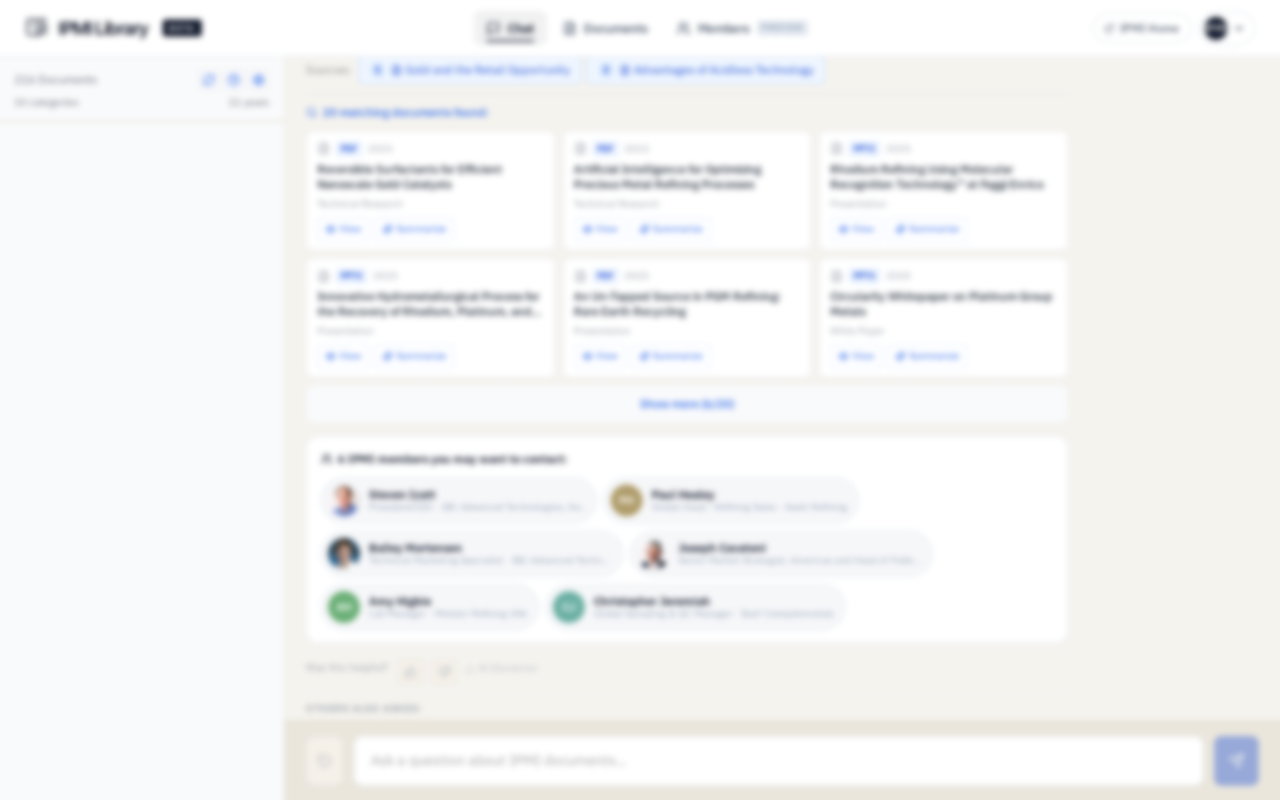
Answers don't stop at the document. The chat also surfaces the people behind the work — "6 IPMI members you may want to contact" — turning research into relationships.

Chat → Members bridge
Chat response · documents + member suggestions
Chat response with members

A single question returns matching documents, summarized, alongside the IPMI members most likely to help.

03 Document Library

236 documents. Fully indexed. Always one click away.

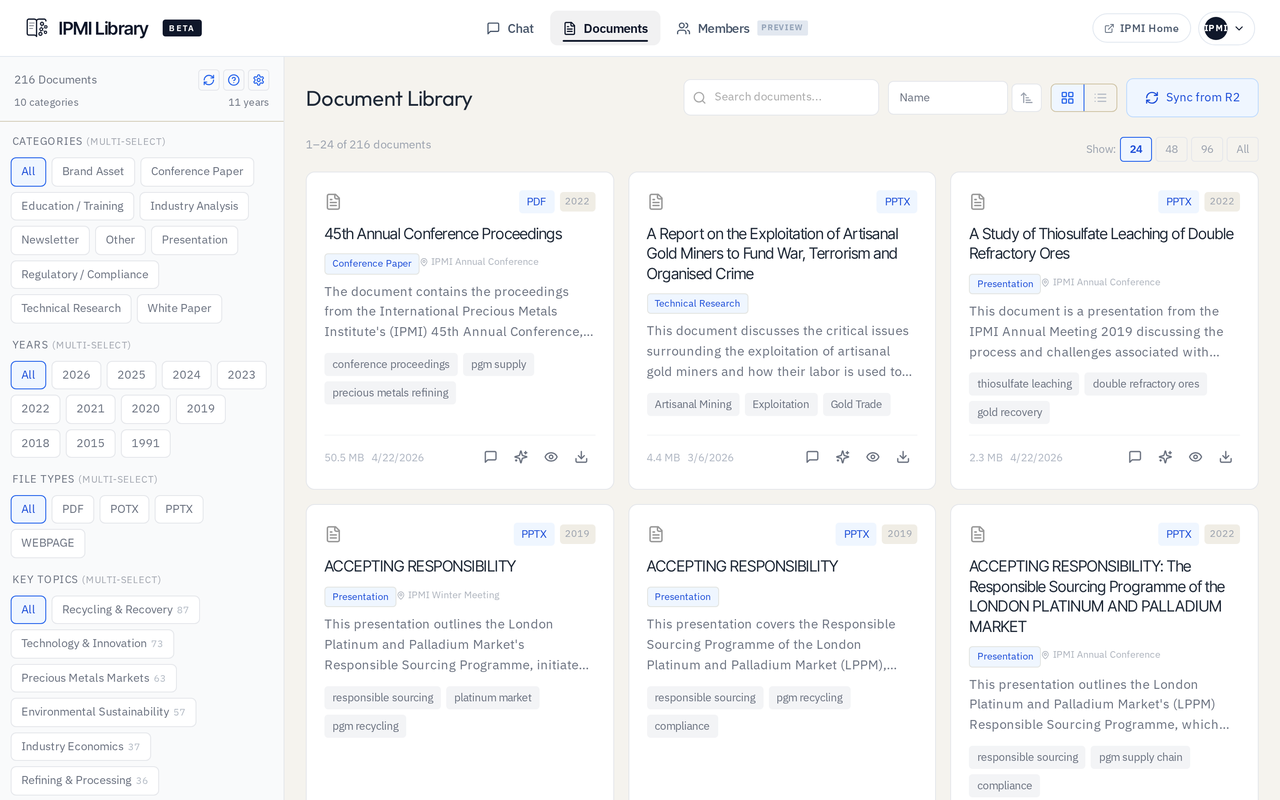
Browse or filter by category, year, file type, or topic. Switch between a visual grid and a scannable list — whichever way your brain works today.

Document Library · Grid view
Documents grid view

Visual grid

Cards show the title, category, host conference, AI-generated summary, key tags, and file metadata at a glance.

Multi-select filters

10 categories, 14 years (1991–2026), 4 file types, 30+ key topics. Stack as many as you need.

Live R2 sync

The library stays current. New documents added to the source bucket appear with one tap of "Sync from R2."

Scannable list

For power users who'd rather see 24 rows at a time. Sortable by name, category, conference, year, author, size.

Per-row actions

View or download every document directly from the list — no detail-page detour required.

Show 24, 48, 96, or all

Adjust density on the fly. Bulk-browse 236 results without paging through ten times.

Document Library · List view
Documents list view
03·b Document detail

Every document, fully described.

Detail pages give you the AI-generated summary, the key topics, the descriptive tags, the host conference — and the IPMI members who authored it.

Document detail · Cybersecurity Workshop
Document detail page

Authors and contributing organizations appear inline. Member avatars link straight to their directory profile.

04 Member Directory

536 members. 336 companies. One place to find them.

Browse the precious metals community by person or by company. Search by name, role, country. The directory turns five decades of membership into a living network.

People tab

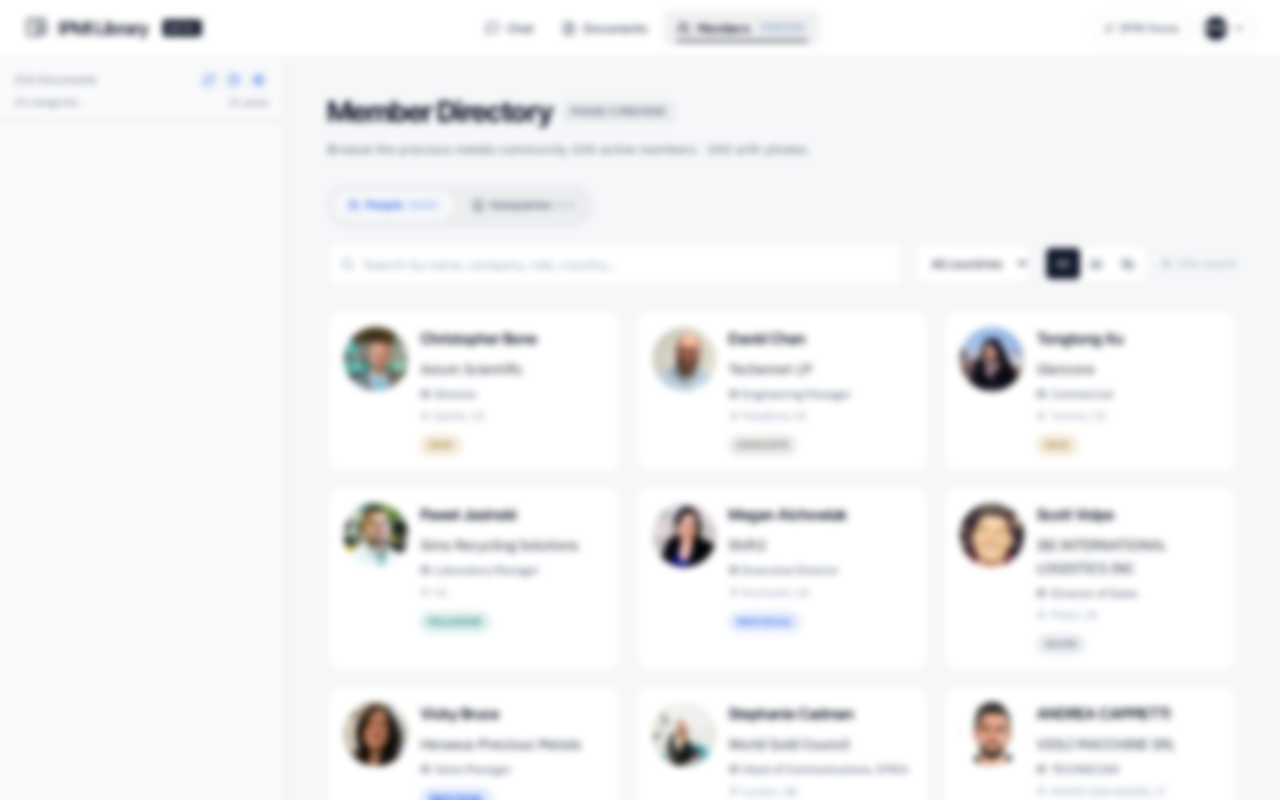
Cards show avatar, name, company, role, and location. 226 members have added photos to date.

Search and filter

Search by name, company, role, or country. Filter by country, photo status, or combine — find precisely the person you need.

Phase 3 Preview

The directory is still in active expansion. Each release adds capability — profile editing, AI-inferred expertise, company team views.

Member Directory · People
Member directory — people tab
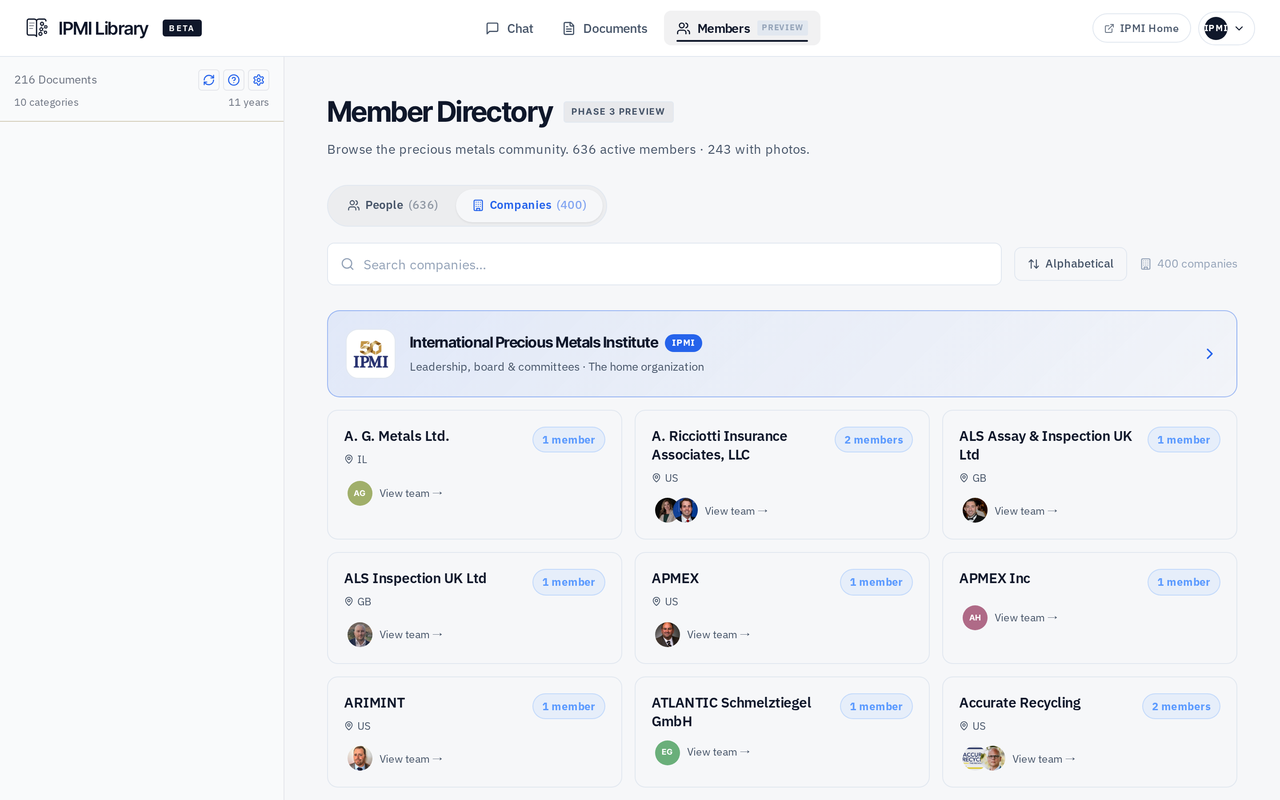
Member Directory · Companies
Member directory — companies tab

Companies tab

The same 536 members, organized by their 336 employers. Member counts, team avatars, locations.

Team rosters

Tap "View team →" on any company to jump straight to that organization's members — a fast bridge from company name to specific people.

Alphabetical or by size

Sort by name to scan the A–Z, or by team size to see the largest member organizations first.

05 Member Profile NEW

Your profile. Your story. Your privacy.

Members can now shape how they appear in the directory — write a bio, claim specialties, share contact links, and choose what stays private. Hidden fields are stripped server-side, not just hidden in the UI.

About / Bio

A free-text introduction up to 1,200 characters. Tell the community your background, focus areas, and what you're working on right now.

Specialties & tags

Self-curated chips like "Rhodium Refining" or "Catalyst Recovery." Up to 20, auto-deduplicated, surfaced on your directory card.

AI-inferred expertise

Read-only signals derived from your authored documents and library activity. They sit alongside your self-claimed tags, never replacing them.

Contact links

Add your LinkedIn and personal site. They appear on your member card so peers can reach out in the channel that suits them.

Privacy toggles — enforced server-side

Hide email, phone, or company from the directory. These aren't UI tricks — hidden fields are stripped from the response before it leaves the server.

Authored documents counter

Your profile surfaces a live count of papers you've contributed to the library. Built-in proof of expertise, no claims required.

The Edit Profile modal, rendered in IPMI brand colors.

06 Why It Matters

Fifty years of knowledge, one place to find it.

The IPMI Library brings every conference paper, every contributor, and every member into a single intelligence platform built exclusively for the precious metals community.

i

Five decades, curated

236 conference papers, white papers, presentations, and industry analyses — every one indexed, summarized, and instantly retrievable.

ii

Ask, don't search

Conversational AI answers questions in plain language and cites the documents it drew from. No more scrolling through PDFs for a single number.

iii

People behind the papers

Every document links to its IPMI member authors. Every answer surfaces the members most likely to help. Research turns into relationships.

iv

A directory worth using

536 members across 336 companies, searchable by name, role, country, or company. The community made findable.

v

Your profile, your terms

Shape how you appear in the directory — bio, specialties, contact links — and choose exactly what stays private.

vi

Members only, always

One-tap sign-in tied to your IPMI email. No passwords to manage. Access only for the community that built this knowledge.

07 Phase I & What's Next

This is the beginning. More is coming.

The library you see today is the first public release. Document counts, member coverage, and capabilities will grow significantly through Phase II and beyond. Here's what's loading next.

Available now Phase I · Beta
  • 236+ curated documents spanning the last decade of IPMI publications
  • AI chat with citations across the full library
  • Complete member directory — 536 people, 336 companies, searchable by name, role, country
  • Full member profiles — bio, specialties, contact links, server-enforced privacy controls
  • Document detail pages with AI summaries, key topics, tags, and author credits
  • Grid + list views with multi-select filters across categories, years, file types, and topics
Loading next Phase II
  • 2,000+ documents — the full 50-year archive of IPMI papers, presentations, and proceedings
  • New-document alerts — get notified the moment new documents land, or only when something matches a topic you follow
  • Conference-by-conference browsing — every annual meeting and winter session
  • Saved searches & collections — bookmark documents and members for quick recall
  • Follow-up questions — refine an answer without losing the thread
  • Deeper member profiles — photos, richer bios, expanded contact preferences
08 Your Voice

Tell us what's missing. You shape what gets added.

The library is a living resource — and the members who use it know best what's missing from it. Inside the platform, the "Have a suggestion?" button at the bottom of every session sends your feedback straight to the IPMI team.

What members have asked for

A few of the requests that have shaped the library so far:

  • More coverage on palladium recovery techniques
  • Papers from IPMI Winter Meeting 2026
  • Regulatory guidance on EU battery directive
  • Cost benchmarking data for refining operations
  • Conference proceedings from the early 2000s
Missing a paper from a recent conference? Want deeper coverage on a specific metal or process? Know of a white paper that should be in here? Use the suggestion box inside the platform — every submission is reviewed.

Connect. Learn. Build Relationships.

The IPMI promise — for fifty years and counting